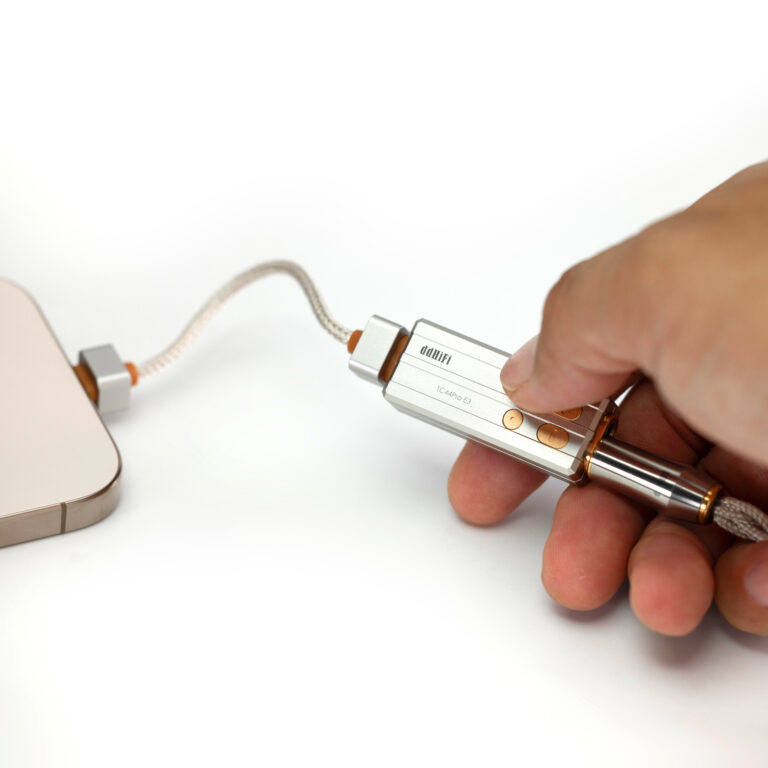
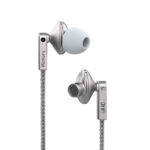
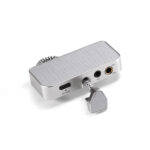
When the TC44B dongle works with an iPhone, if the prompt “”Cannot Use Accessory. Bravo HD FW Update: This accessory requires too much power” appears, it means the TC44B cannot be correctly recognized by iPhone, and please try to upgrade the fimrware of the TC44Pro dongle with the Windows computer.
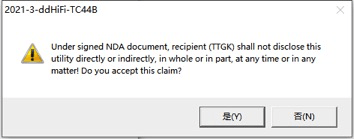
1. Please connect the TC44B with the Windows computer by the suitable USB cable or adapter firstly, and double click to open the file “2021-3-ddHiFi-TC44B.exe”, then click “是(Y)” to proceed to next step;
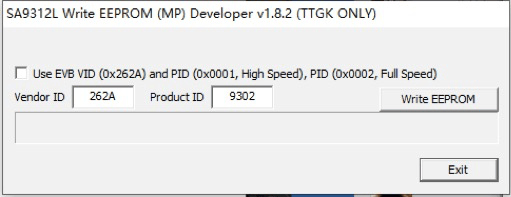
2. Please click the button “Write EEPROM”.
3. The below prompt window will pop up after step 2.
Please disconnect and reconnect the TC44B to the computer again, then click “确定” (Confirm) button to proceed to next step.
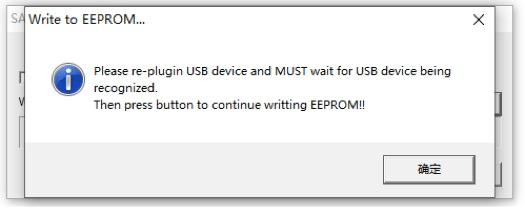
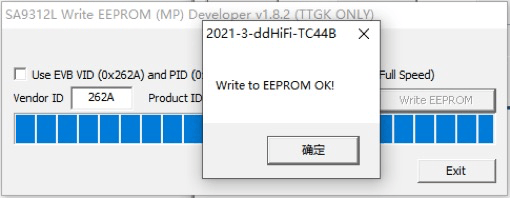
4. After reconnecting with the computer, please click “Write EERPOM” to start to upgrade the firmware of TC44B. When the blue progress bars reach the end and a prompt message “Write to EEPROM OK!” appears, which means the firmware upgrade is complete, then please click “Exit” button to close the firmware upgrade tool.
After connecting your TC44B to iPhone and headphones, please wait for 1~2 seconds before starting to play songs because the TC44B need take a few seconds to be recognized by iPhone. (It is suggested that you first manually reduce the volume of your iPhone, and then click to play the song.)
Note: When using the with the Lightning version TC44B with iPhone, it is highly suggested NOT to turn the iPhone’s volume to maximum, and it is best not to exceed 80% of the volume on your iPhone. Since the iPhone’s Lightning output has a current limit, once the volume is too high, the signal transmission will be interrupted, easily causing the dongle to crash.
Please download the firmware ugprade pacakge for the TC44B dongle by the button as follow: